
Printer manufacturers, such as HP, often implement security measures to limit the use of unofficial ink cartridges in their devices. This practice, known as cartridge locking, prevents the use of refurbished ink refills, forcing consumers to purchase brand-name products that are often more expensive. For economic or ecological reasons, many users seek to bypass these restrictions to use remanufactured or refilled cartridges. This raises technical and legal questions, as unlocking this system can be complex and may affect the printer’s warranty.
Understanding HP Printer Cartridge Locking
The printer market has been inundated for years with a plethora of compatible ink cartridges, often cheaper than brand-name products. In response to this phenomenon, Hewlett Packard (HP) has implemented a feature called HP Cartridge Protection Facility. This is a software defense mechanism that detects and prevents the use of cartridges that do not bear the HP brand. This device, integrated into the printing software, relies on an electronic chip that blocks the use of any cartridge recognized as foreign to the brand’s ecosystem.
HP printing software frequently includes automatic software updates, initiated to strengthen the fight against the use of non-original cartridges. These updates can alter the firmware of HP printers, activating or reinforcing the cartridge lock. Original HP ink cartridges, on the other hand, are often protected by an integrated chip, making them exclusive to a specific printer. However, this locking mechanism has drawn criticism for reducing consumer choice and negatively impacting the environment, as non-recyclable cartridges significantly contribute to pollution.
In light of these issues, methods to disable HP cartridge protection have emerged among users eager to continue using remanufactured or compatible ink cartridges. These practices unfold in a context where counterfeiting is decried as one of the greatest threats to the market for authentic products, and where duplicate cartridges flood an already saturated market. Despite the legal risks and potential damage to the device, the search for alternative solutions for using compatible ink cartridges persists, reflecting consumer demand for freedom and environmental responsibility.
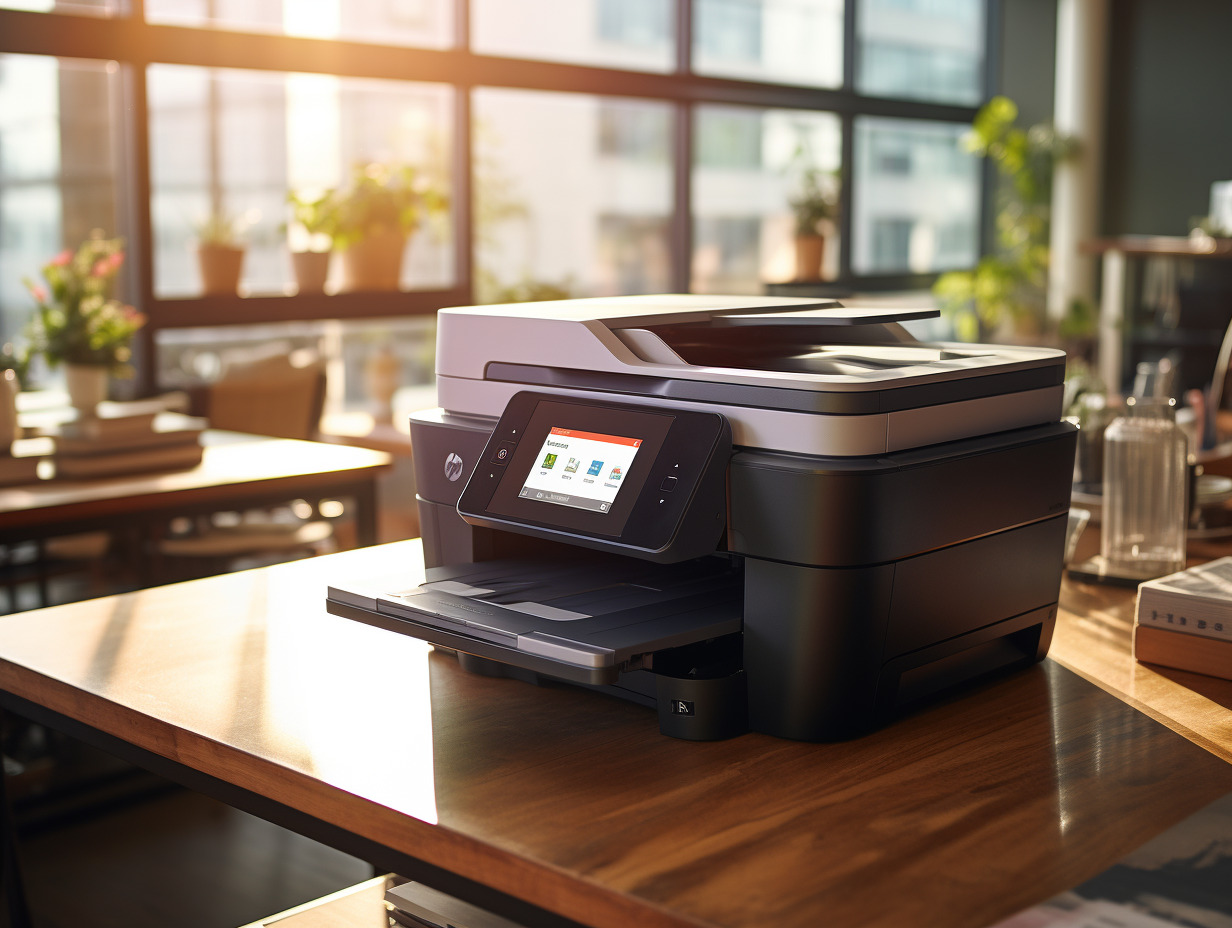
Step-by-Step Guide to Disable HP Cartridge Locking
Disabling cartridge protection in HP printers requires a methodical approach and an understanding of your hardware configuration. Before attempting any changes, make sure you know the exact model of your printer: this information is crucial for accessing the specific device settings. Connect the printer to your computer and open the HP printing software to navigate through the available options.
Once in the printing software, locate the section dedicated to printer settings. You will find the option “HP Cartridge Protection.” Selecting this feature will give you the choice to disable it. Note that this operation is not a universal cure-all: some printer models may require additional steps or alternative methods to bypass the lock.
For newer printers, it may be that disabling via the software is not sufficient due to firmware updates that reinforce the cartridge lock. In this scenario, it may be necessary to block these automatic updates to prevent any subsequent system modifications that would reactivate the lock. This operation is typically performed in the advanced settings of the software or directly on the printer’s control panel.
After disabling cartridge protection, it is recommended to perform a test print with a compatible or remanufactured ink cartridge. If the printer accepts the cartridge and prints without error, the disabling has been successful. If difficulties arise, consult HP technical support or seek assistance from user communities that share dedicated solutions for this type of issue. However, be cautious of the potential risks to your printer’s warranty as well as the legal implications associated with using compatible cartridges.